


Sådan laver og sælger du print on demand-børnebøger i 2026
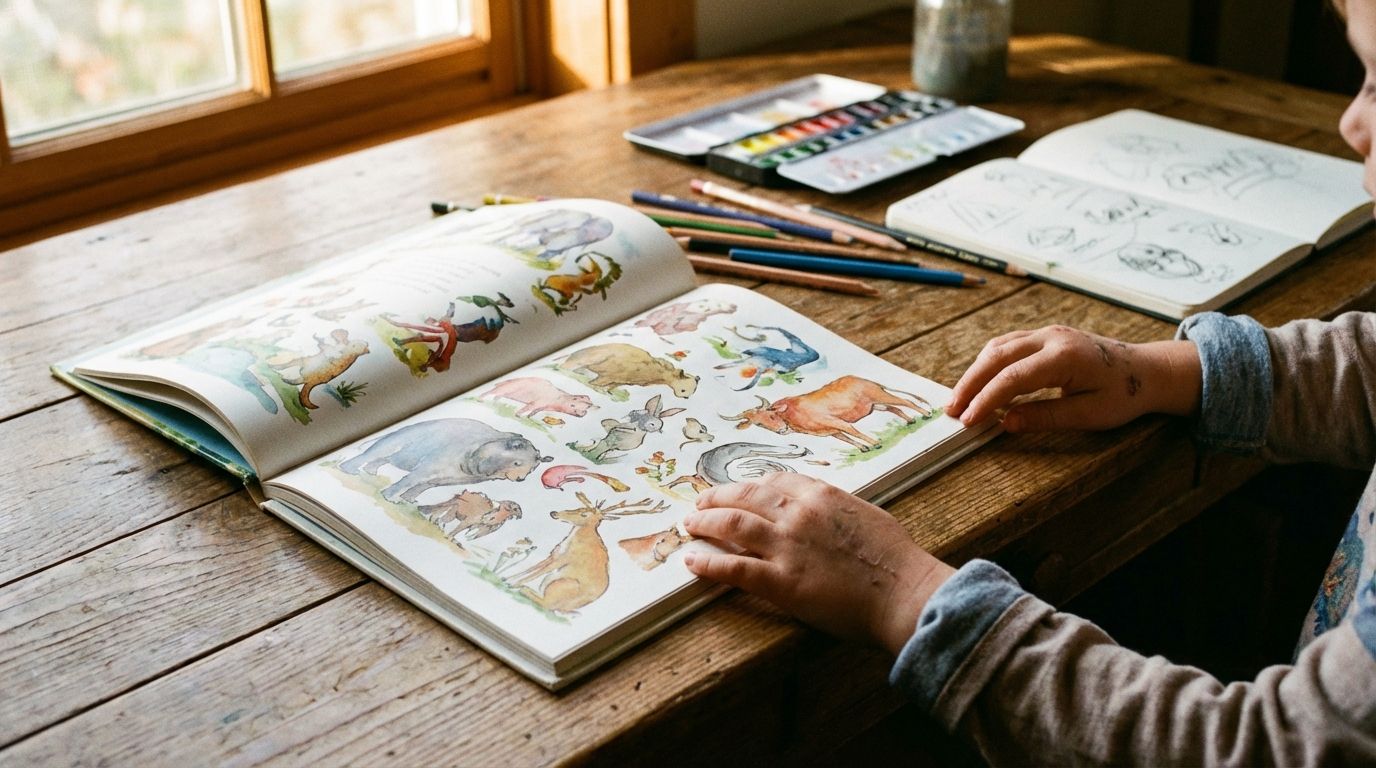
That story you've been telling at bedtime, the one with the quirky characters and the valuable lesson? It doesn't have to stay just a story. It can become a real, physical book that a child can hold, read, and cherish. With print on demand, you can turn your creative idea into a beautiful children's book without buying thousands of copies upfront.
This guide walks you through the entire journey, from the first spark of an idea to selling your very own print on demand children's books online.
Quick takeaways
Start with the story: Develop a clear concept, story, and characters for a specific age group.
Create visuals: Decide whether to create your own illustrations, hire a professional, or use AI tools.
Print with a quality partner: Format your book for professional printing and choose a partner like Gelato that ensures vibrant colors and durable pages.
Why print on demand is perfect for children's books
Traditionally, publishing a children's book meant a huge financial risk. You had to order and pay for hundreds or thousands of copies, hoping they would sell. Print on demand (POD) changes everything.
When a customer orders your book from your online store, the order is automatically sent to your POD partner. They print, bind, and ship the book directly to your customer. You never have to touch inventory.
This model is ideal for creators because:
There’s no financial risk. You only pay for what you sell, after you've made the sale.
You have total creative freedom. You are the author, illustrator, and publisher.
You can reach a global audience. Gelato’s network of local production hubs means you can sell your book in multiple countries with faster, more sustainable shipping.
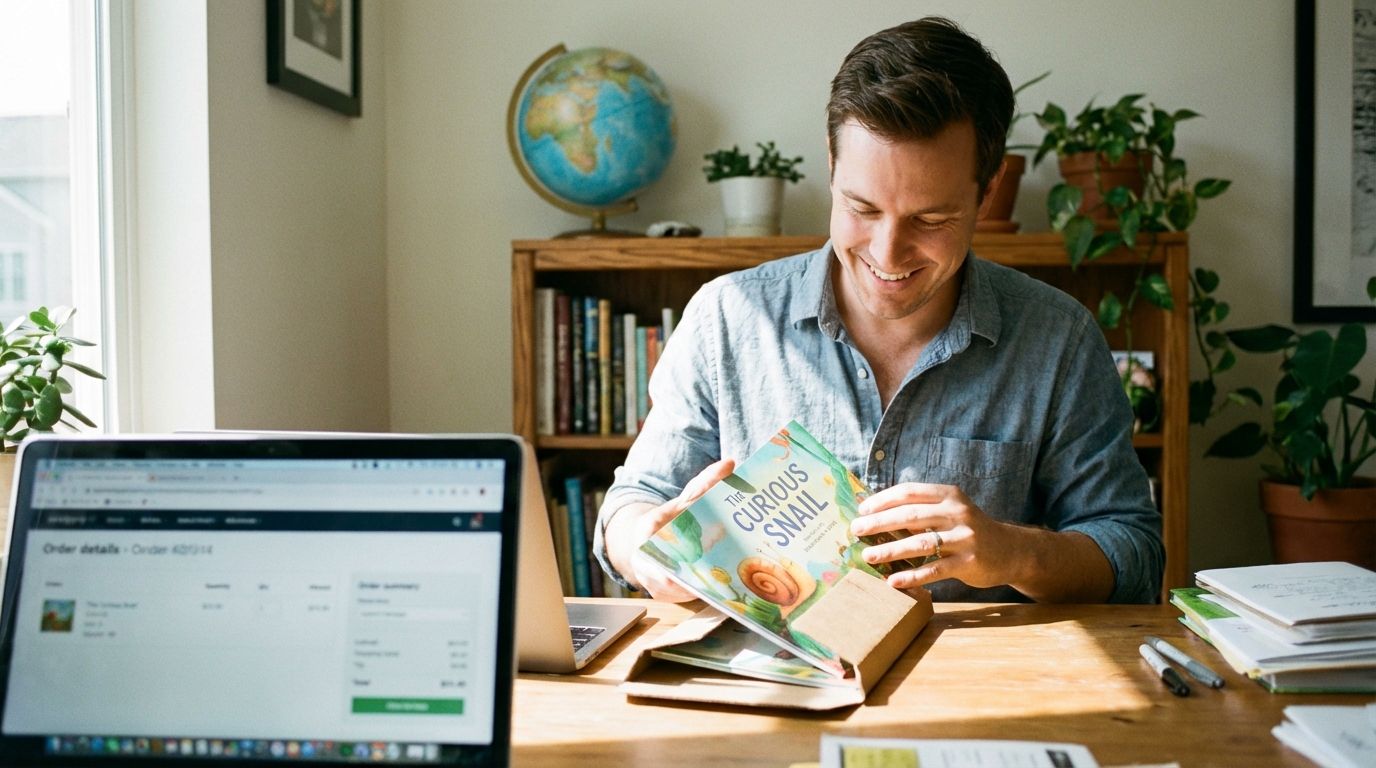
Step 1: The heart of your book – Story and concept
Every great children's book starts with a captivating idea. Before you think about illustrations or printing, focus on the foundation: your story.
Find your big idea
What story do you want to tell? Is it a funny tale about a talking squirrel, a gentle story about friendship, or a personalized book for a specific child? Think about what makes a story memorable. Maybe it's a birthday gift that places a child as the hero of their own adventure or a creative summer project you can build with your kids. Finding a unique angle in a low-competition print on demand niche can help your book stand out.
Define your audience
Children's books are not one-size-fits-all. A book for a 2-year-old is very different from one for an 8-year-old. Define your target age group:
Ages 0-3 (Board Books): Simple concepts, bright colors, and very few words.
Ages 3-5 (Picture Books): A simple plot, illustrations that tell the story, and around 200-500 words.
Ages 6-8 (Early Readers): More complex stories, chapters, and a word count of 500-2,000 words.
Knowing your audience will guide your writing style, vocabulary, and illustration choices.
Write your manuscript
Keep your sentences short and your language clear. Read your story out loud to catch awkward phrasing and check its rhythm. Remember, a parent will likely be reading this aloud, so make it enjoyable for them, too.
Step 2: Bringing your story to life – Illustrations
The illustrations are just as important as the words in a children's book. They capture a child's imagination and help tell the story. You have a few options for creating your artwork.
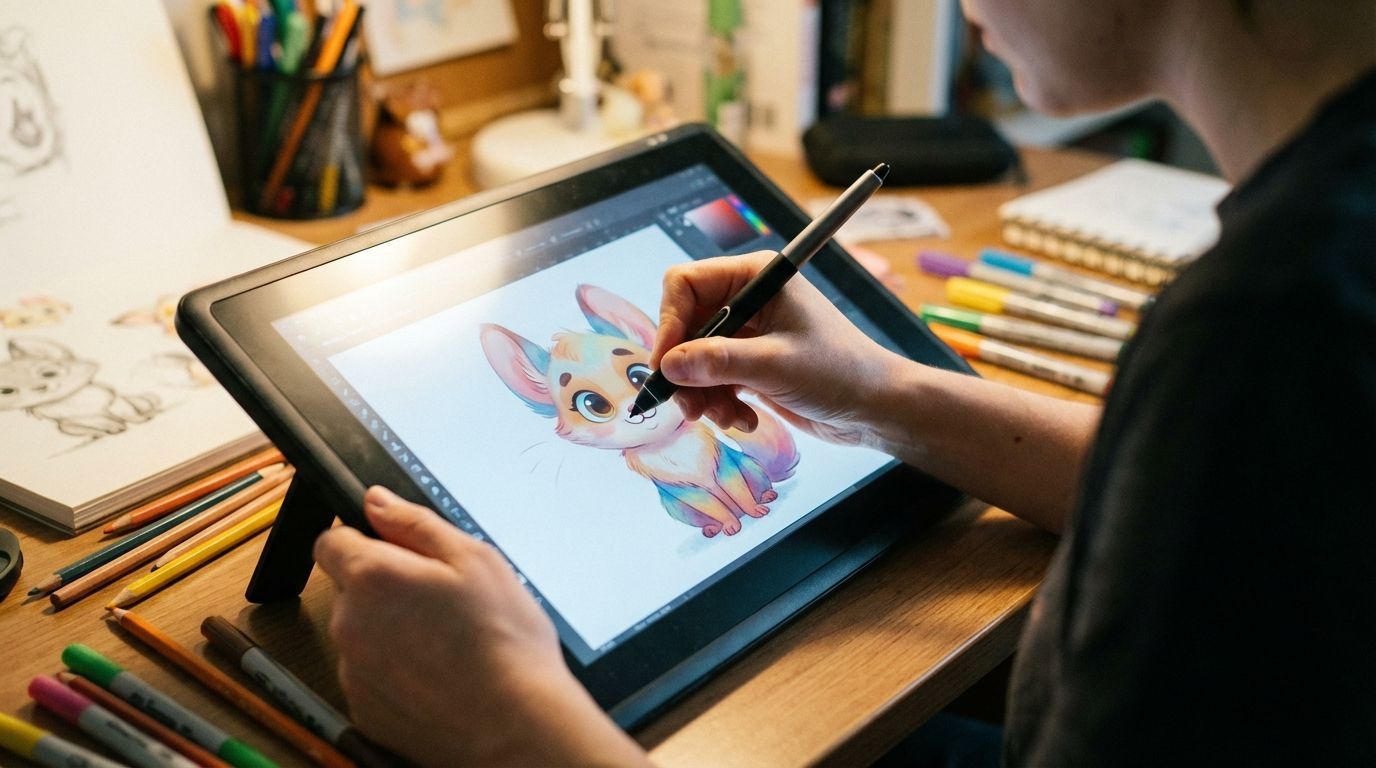
DIY illustrations
If you have artistic skills, you can illustrate the book yourself. You can draw traditionally and scan your art at a high resolution (at least 300 DPI) or create digital art using software like Procreate, Adobe Illustrator, or Canva. This is a great way to turn your art into prints and a book.
Hire an illustrator
If art isn't your strong suit, you can hire a freelance illustrator from platforms like Upwork, Fiverr, or 99designs. Look for artists whose style matches your vision. Be clear about your budget, timeline, and what you expect. A good illustrator is a creative partner who can help bring your vision to life.
Using AI for illustrations
AI image generators can be a starting point for ideas or creating unique styles. If you go this route, be sure to understand the commercial usage rights of the platform you use. Many creators use AI to generate base images and then customize them heavily to create a truly original look.
Step 3: Designing and formatting for print
Once your text and illustrations are ready, you need to combine them into a print-ready file. This step is critical for ensuring your book looks professional.
Choose your book's size and format
Gelato offers various sizes for photo books, which are perfect for creating high-quality children's books. Common sizes include square (8x8 inches), portrait (8.5x11 inches), and landscape (11x8.5 inches). The landscape format is particularly popular for its wide, cinematic feel.
Lay out your pages
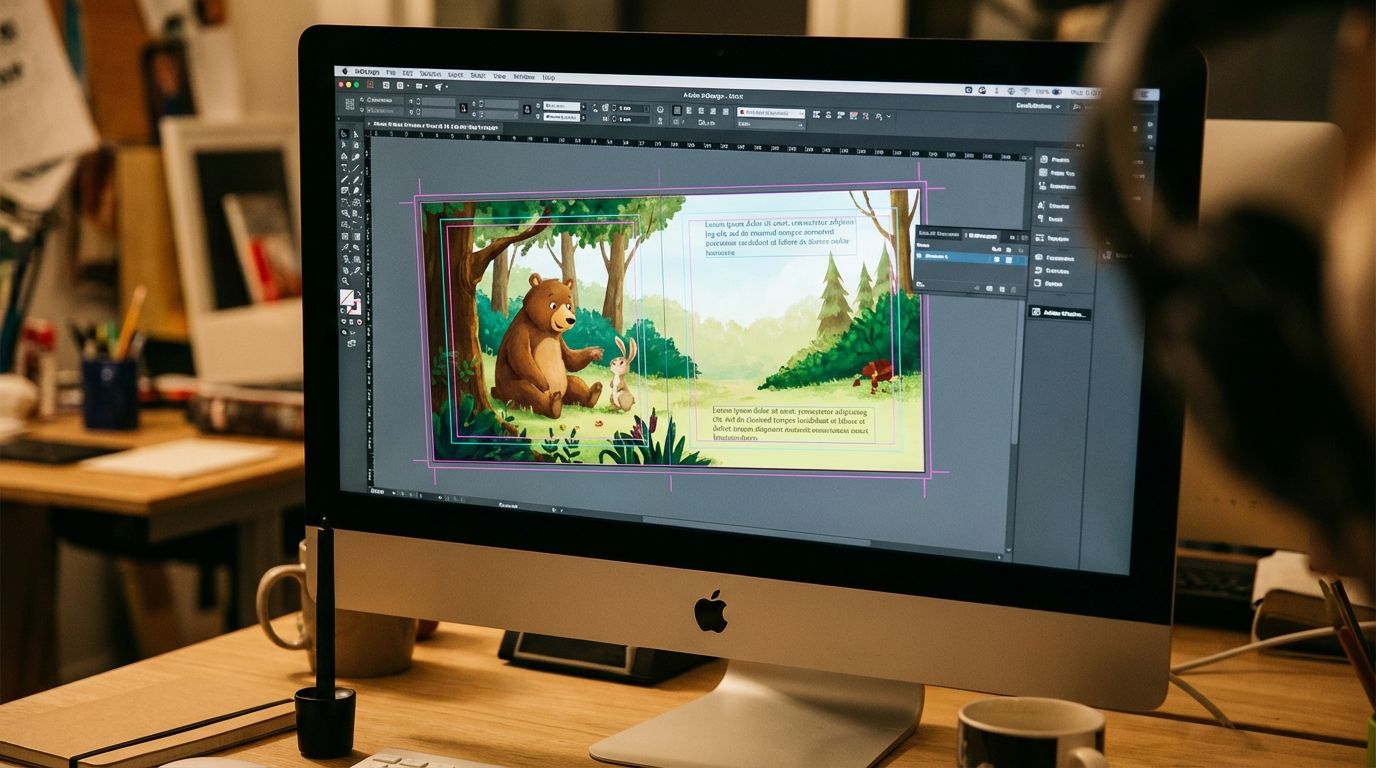
You can use software like Adobe InDesign, Affinity Publisher, or even Canva to lay out your book. Each page is a canvas for your text and art.
Pay close attention to these technical details:
Bleed: This is an extra margin of your image that extends beyond the trim edge of the page. It ensures that when the pages are cut, there are no unprinted white borders.
Margins: Keep important text and illustrations away from the edges of the page and the center spine (the "gutter") to ensure nothing gets cut off or lost in the binding.
File Format: Export your final book as a high-resolution PDF file. This single file should contain all your pages in order, including the front cover, interior pages, and back cover.
The process is very similar to preparing how to create and sell the best photo books, where print quality is paramount.
Step 4: Choosing your print on demand partner
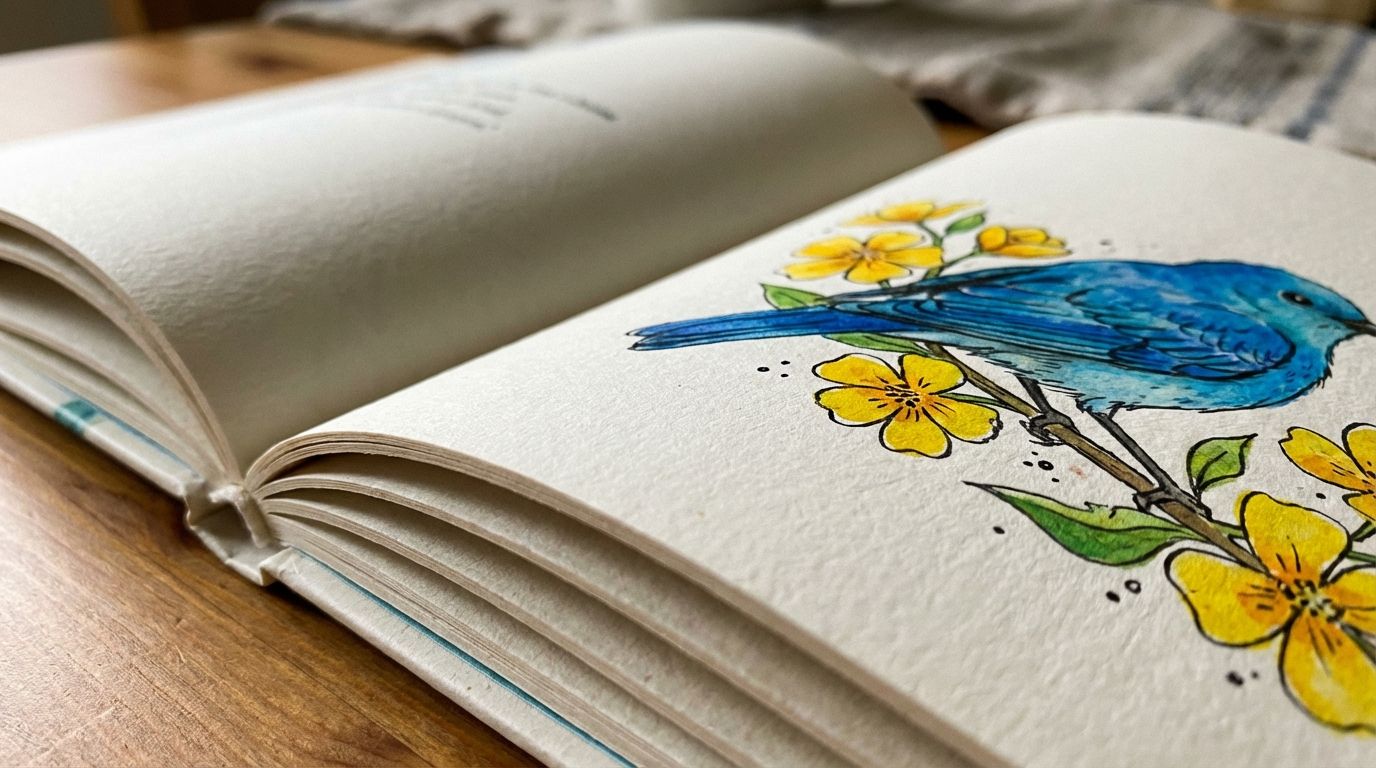
Your choice of a print partner directly impacts the final quality of your book. For a children's book, you need vibrant colors, durable paper, and professional binding. This is where Gelato shines.
Gelato’s network is built for premium quality. We use top-of-the-line printing technology to ensure your illustrations look bright and beautiful, just as you imagined them. The paper is substantial and designed to withstand the love of little hands. When comparing options like Gelato vs. Printful, creators often choose Gelato for superior print products like books and wall art.
Connecting your store to Gelato is simple, allowing you to focus on creating while we handle the printing and shipping logistics.
Step 5: Setting up your online store
Now it's time to create a home for your book online. This is where customers will find, purchase, and fall in love with your story.
Choose an ecommerce platform
Platforms like Shopify and Etsy are popular choices for creators.
Shopify: Gives you a fully customizable, branded website. It's perfect for building a long-term author brand. You can learn more in our guide to mastering Shopify ecommerce.
Etsy: Puts your book in front of a massive, built-in audience of buyers looking for unique and handmade items. It's a fantastic place to start and get your first sales.
Both platforms integrate seamlessly with Gelato. When an order is placed, it's sent directly to us for fulfillment.
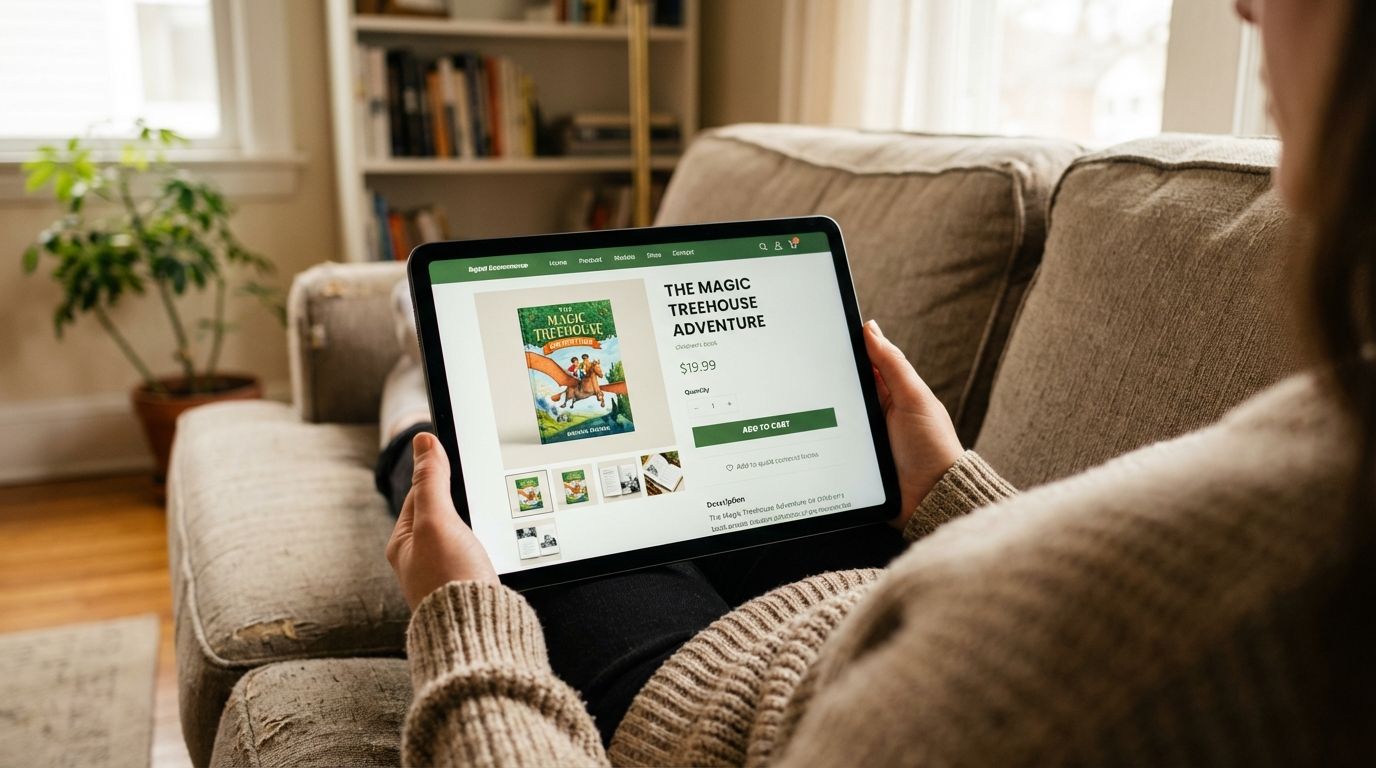
Create your product listing
Your product listing is your sales pitch. It needs to be compelling and informative.
High-Quality Mockups: Since you don't have physical inventory, mockups are essential. Use mockup generators to create realistic images of your book in different settings, like on a child's bookshelf or in their hands. You can check out some of the 5 best mockup generators to get started.
Engaging Description: Tell the story behind your book. Who is it for? What makes it special? Use keywords like "personalized children's book," "bedtime story book," or "birthday gift for kids" to help customers find you.
Pricing: Calculate your price by considering Gelato’s production cost, platform fees, and the profit margin you want to make.
Step 6: Marketing your print on demand children's book
Your book is published and your store is live. The final step is to let the world know about it.
Leverage social media
Share behind-the-scenes content on Instagram, TikTok, or Facebook. Show snippets of your illustration process, read a page from the book, or share testimonials from early readers. Use relevant hashtags to reach parents and book lovers.
Collaborate with influencers
Connect with parent bloggers or family influencers on social media. Offer them a free copy of your book in exchange for an honest review or a post. Their endorsement can introduce your book to thousands of potential customers.
Build an email list
Offer a free coloring page or a sneak peek of your book on your website in exchange for an email address. An email list is a direct line to your biggest fans, allowing you to announce new books or special promotions.
Run targeted ads
Once you have some sales and know who your audience is, you can run targeted ads on platforms like Facebook or Pinterest. You can target users based on interests (like "parenting" or "children's literature") and demographics.
Your story is ready to be told
Creating print on demand children's books is more accessible today than ever before. You don’t need a traditional publisher or a warehouse full of inventory. All you need is a story, a creative vision, and the right partner to help you bring it to life.
The journey from a simple idea to a finished book is incredibly rewarding. You're not just selling a product; you're creating a memory, a teaching tool, and a source of joy for a child.
Start with your story, follow these steps, and you can have your first book ready to sell.