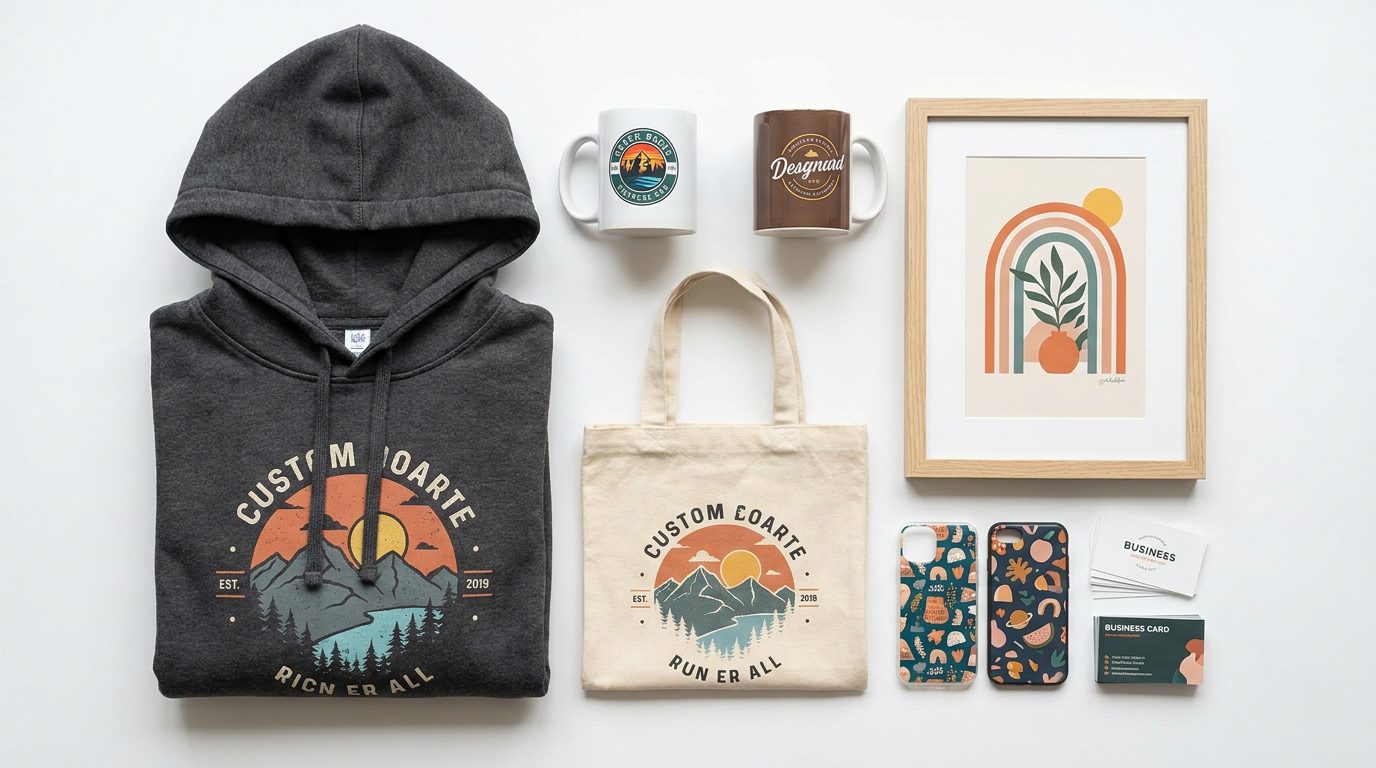
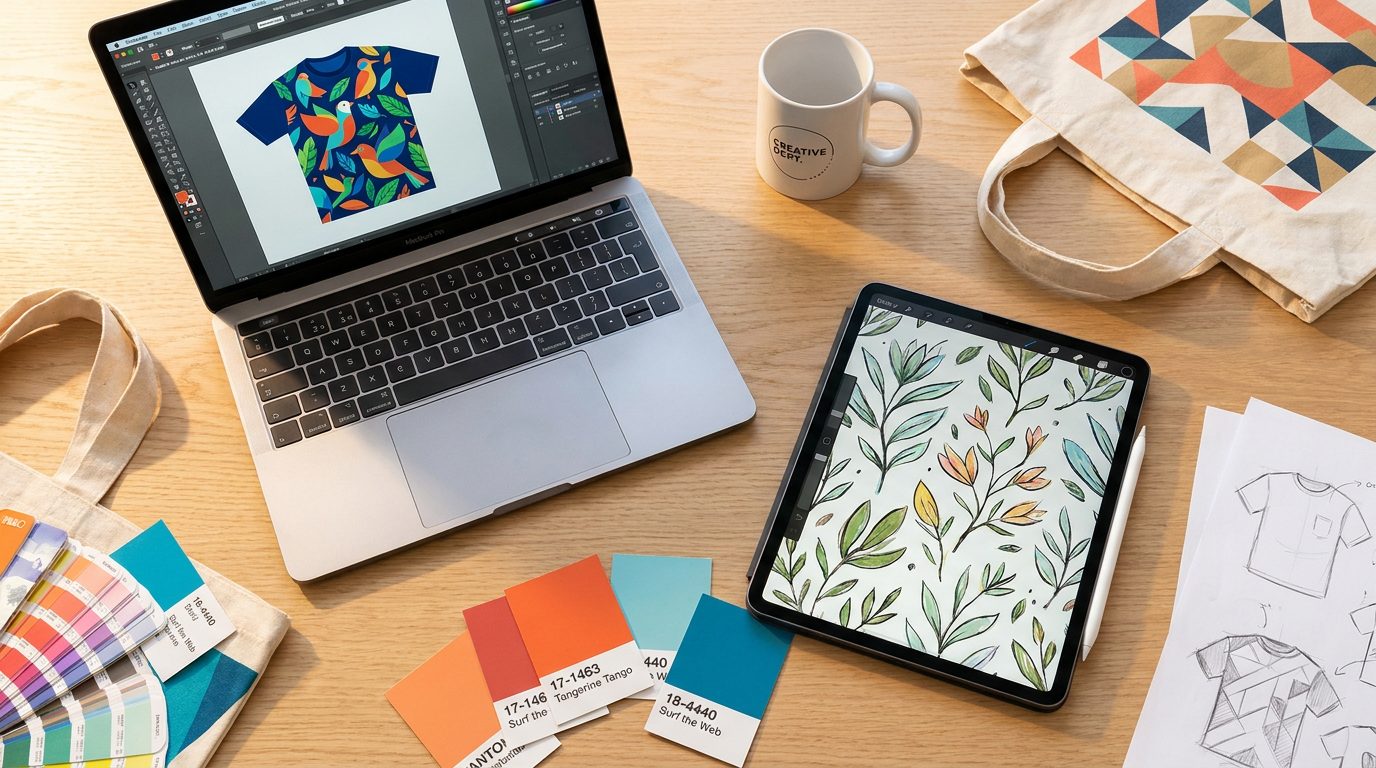
Most print-on-demand guides stop at the storefront. You'll find plenty of advice on choosing a niche, setting your margins, and optimising product listings — but very little about what happens before any of that. Before the mockup. Before the listing. Before the first sale.
The design phase is where most POD sellers either build a real advantage or quietly undermine themselves. A technically flawed file means a rejected print. A generic design becomes a forgettable product. A slow creative process means missing the seasonal windows that drive the majority of POD revenue.
This guide covers the design tools that actually matter in 2026, organised by where they fit in your workflow — with honest notes on who each one is for.
- Production-ready print files need 300 DPI minimum, correct colour mode (CMYK or platform-handled RGB), accurate dimensions, and a transparent PNG background for apparel designs.
- A POD design workflow has four distinct stages: ideation and trend research, asset sourcing, design and composition, and file prep. Different tools are right for each.
- Etsy search (sorted by most recent) and Google Trends are the most reliable free tools for validating demand before you invest design time.
- An Envato subscription is the most cost-effective asset library for POD sellers producing multiple designs per week — all assets include a commercial licence.
- Canva Pro is the right entry point for beginners; Adobe Illustrator is the right long-term investment for sellers building a serious catalogue.
- Most seasonal niches require listings to be live 4–6 weeks before peak demand. Design tool speed directly affects whether you hit those windows.
What 'production-ready' actually means for POD
Before getting into tools, it's worth being specific about the output you're working towards. A production-ready print file is typically:
High resolution: 300 DPI minimum for most print products; larger for wall art and home décor.
Correct colour mode: CMYK for most print products, though some POD platforms (including Gelato) handle RGB-to-CMYK conversion automatically.
The right dimensions: sized to the print area of the specific product, with bleed where required.
Transparent background: PNG format for designs that sit on apparel or over a substrate.
Clean vectors where possible: especially for text and logos, which can pixelate if rasterised at the wrong stage.
Your design tools must reliably and repeatably produce this output. That's the lens to apply when evaluating any tool below.
The four stages of a POD design workflow
Think of your creative stack as covering four stages:
Ideation and trend research → finding what to make.
Asset sourcing → finding or creating the visual building blocks.
Design and composition → putting it all together.
File prep and export → getting it print-ready.
Most sellers use different tools at different stages. The goal isn't to find one tool that does everything — it's to find the right tool for each job.
Stage 1: Ideation and trend research
The best design tool in the world won't save a product that nobody wants. Trend research is the stage where many sellers underinvest.
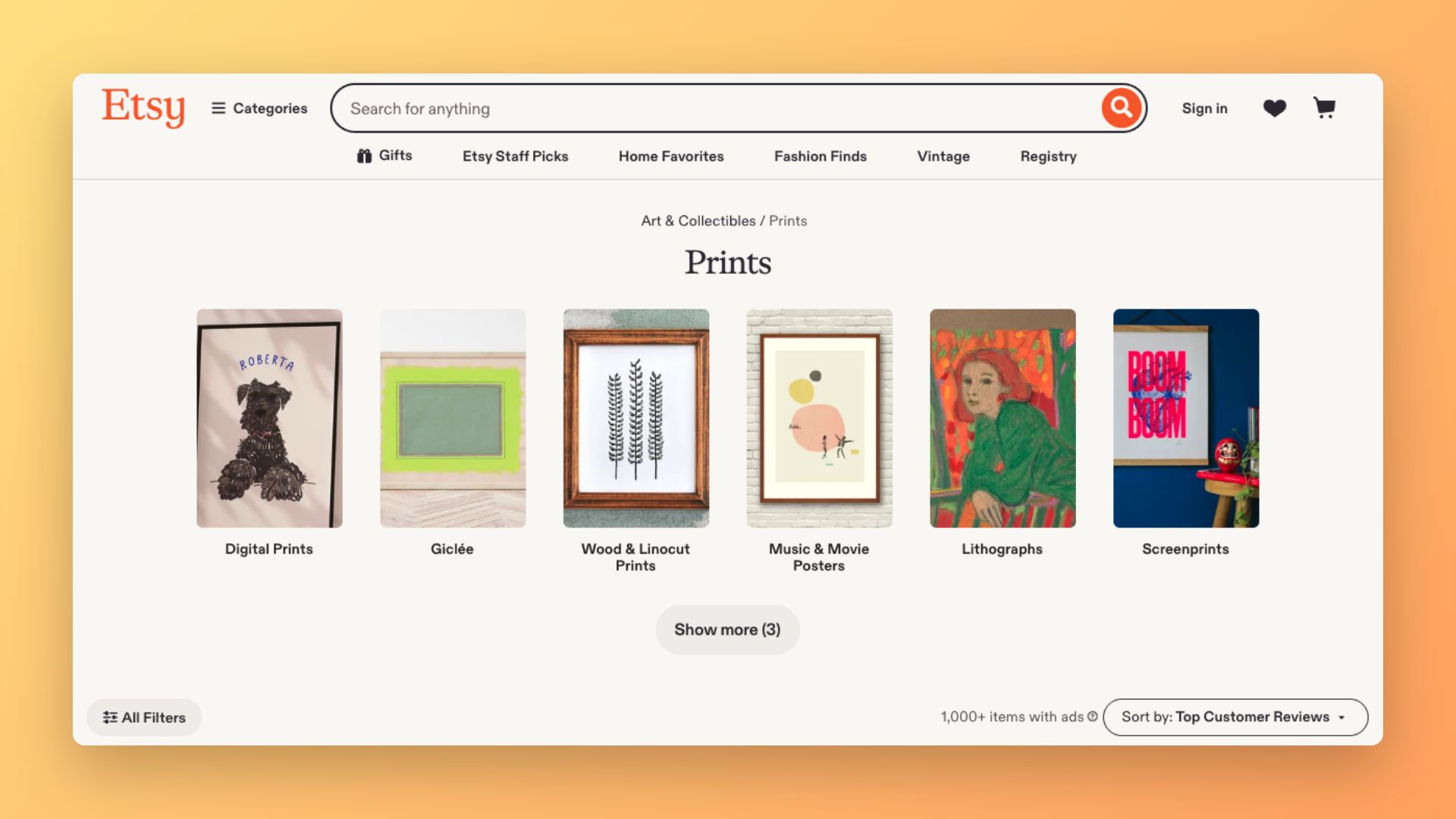
Etsy search
Still the most reliable early signal for POD trends. Search the product category you're designing for, filter by most recent, and look for visual patterns appearing across multiple unconnected Etsy sellers. That convergence is the signal. Star Seller badges and review counts are more useful indicators than aesthetic preference.
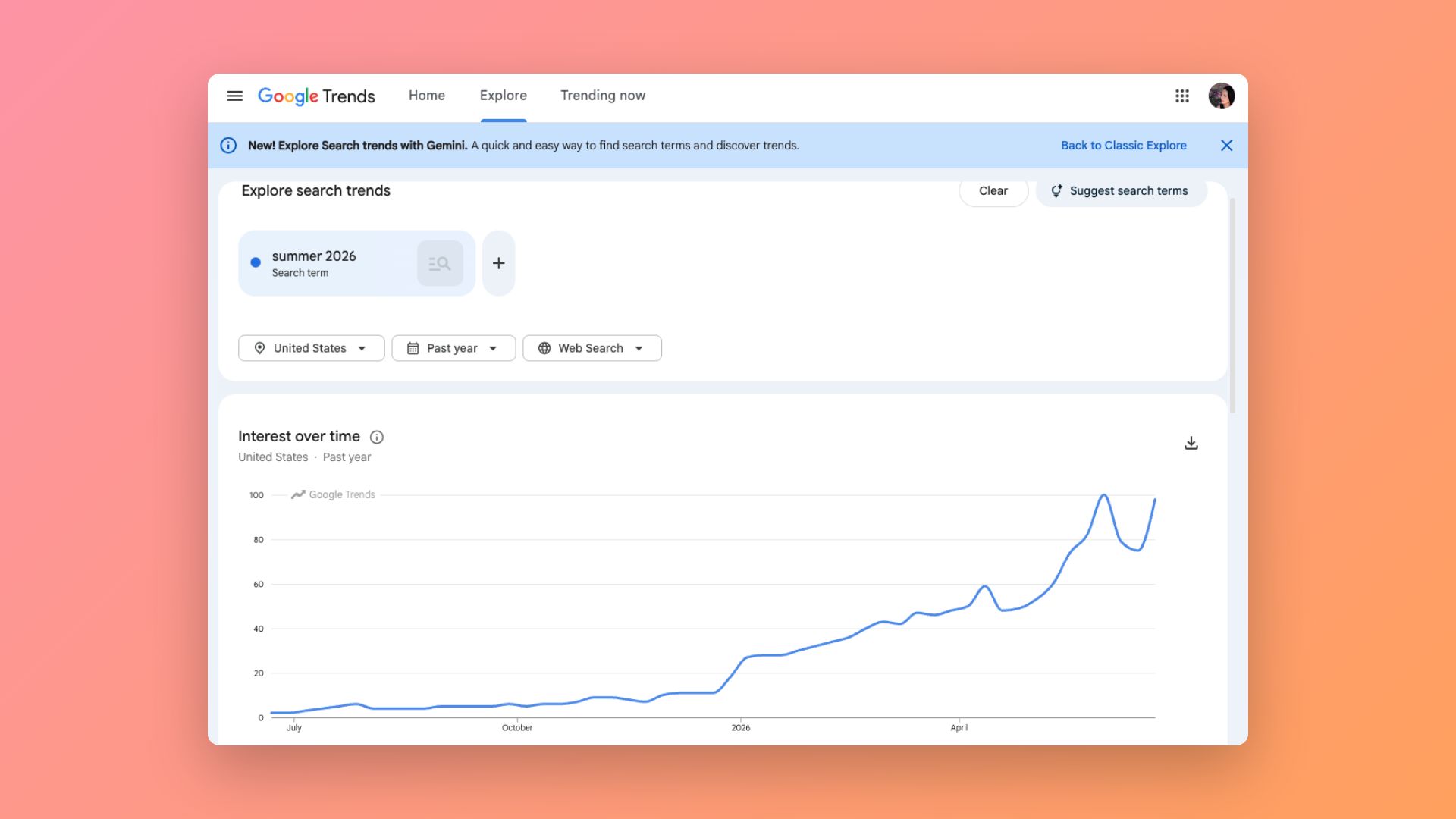
Google Trends
Most useful for validating seasonal timing rather than discovering new ideas. Run your keyword ideas through Google Trends to confirm when search interest peaks and plan your upload schedule accordingly. Most seasonal niches require listings to be live 4–6 weeks before the peak.
Envato trend reports and curated collections
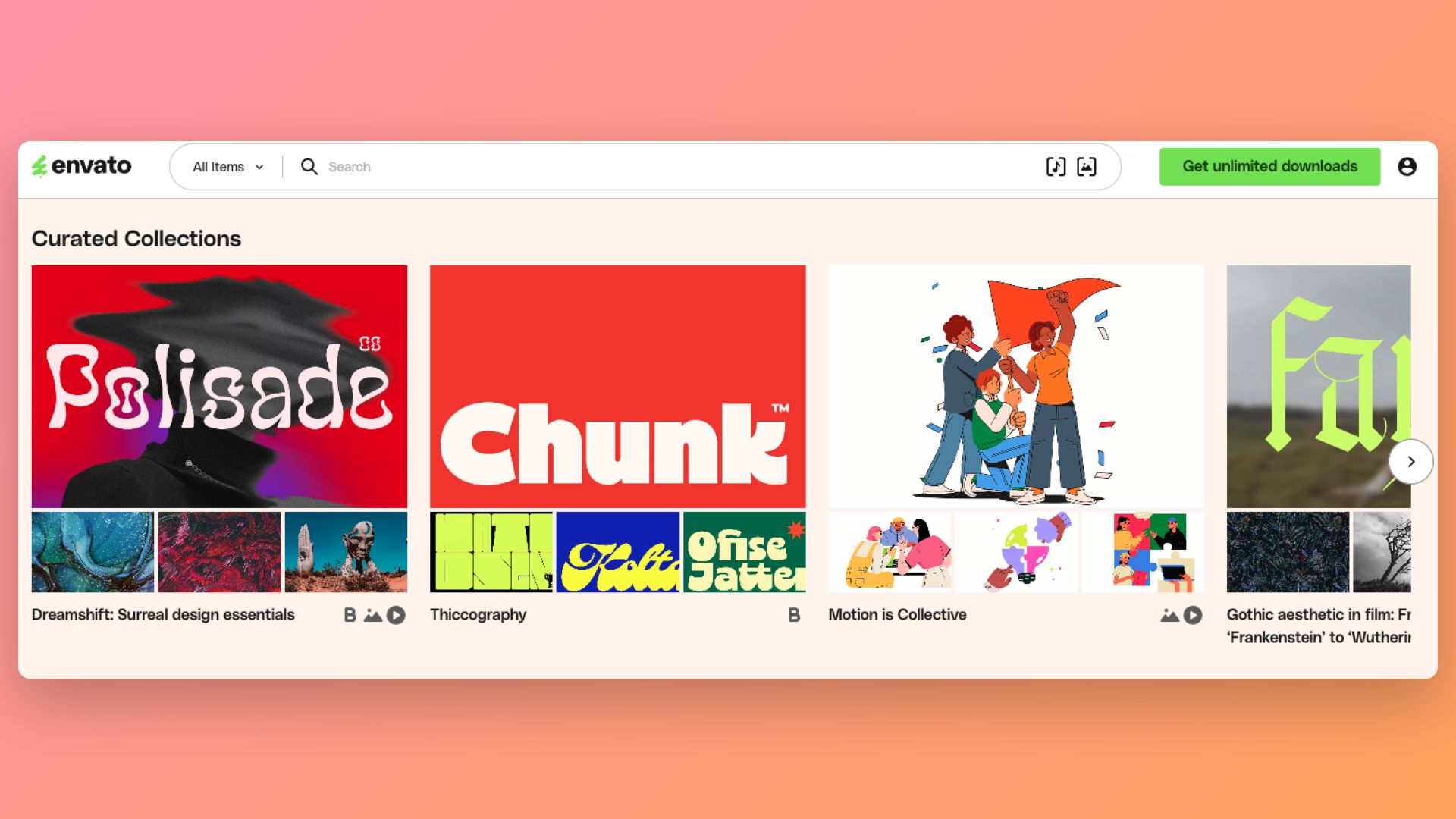
Envato publishes design trend reports and curates seasonal collections across graphic styles, colour palettes, and aesthetics. For POD sellers, these are a faster shortcut to understanding what's currently in style than manually browsing marketplaces. Collections organised around named aesthetics — cottagecore, gothic, maximalist illustration — give you a direction to design around that also helps with listing copy and SEO.
Stage 2: Asset sourcing
This is the stage that separates sellers who can scale from those stuck in a one-design-at-a-time bottleneck. A library of high-quality, licensed assets — graphics, fonts, textures, patterns — lets you produce variations quickly and maintain visual consistency across a product line.
Envato
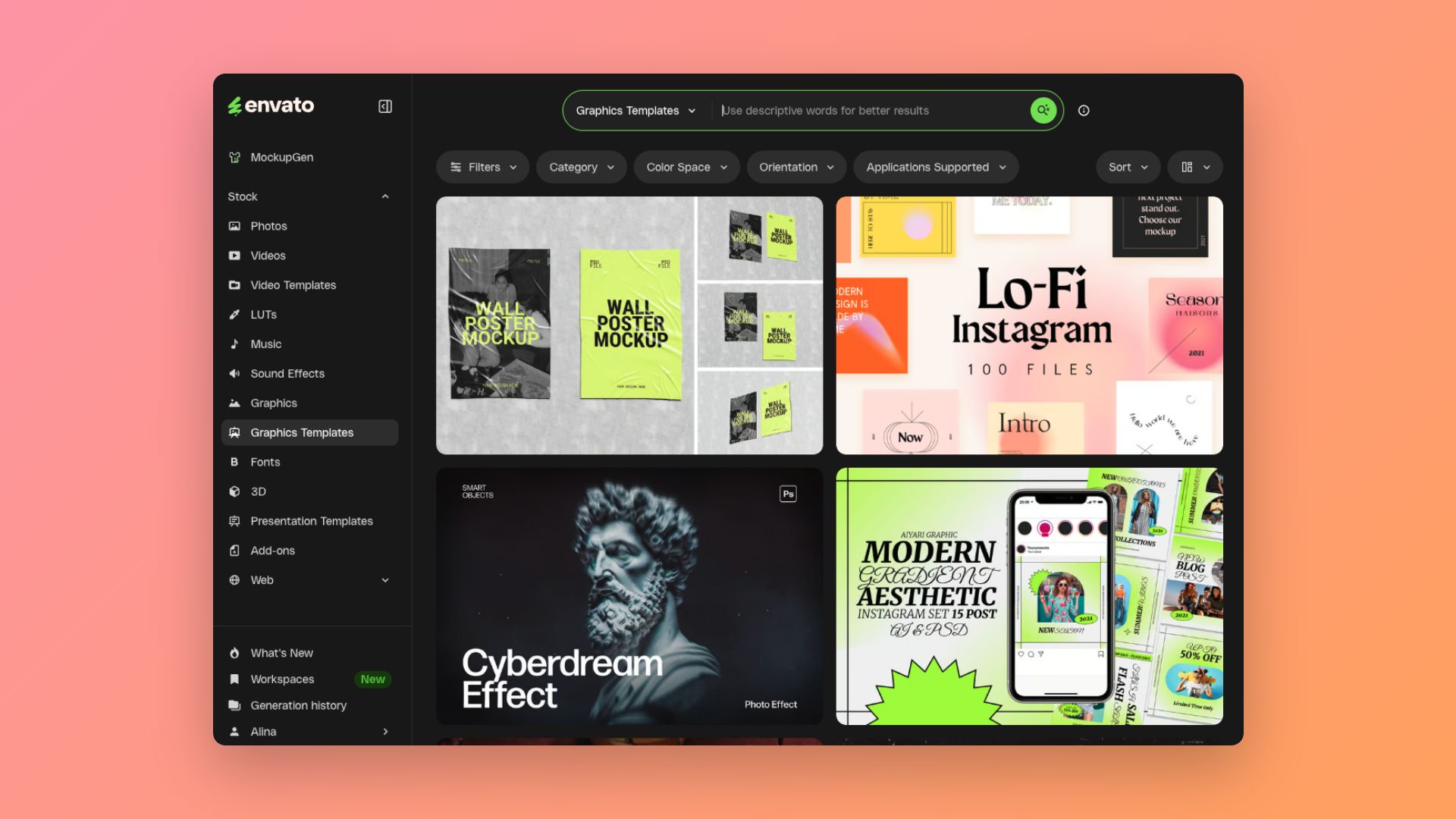
The most useful subscription for POD sellers working at volume. For one Envato subscription, you get unlimited downloads across illustrations, icons, patterns, textures, fonts (including display and script styles that work well on apparel), layered Photoshop and Illustrator templates for specific use cases (t-shirts, mugs, tote bags, posters), and 3D product mockup assets for store previews.
Everything on Envato includes a commercial licence — meaning you can use assets in products you sell without additional licensing fees. That's a meaningful distinction from free asset sites where licence terms are often ambiguous or restricted. For POD sellers producing multiple designs per week, the subscription pays for itself quickly.
Google Fonts
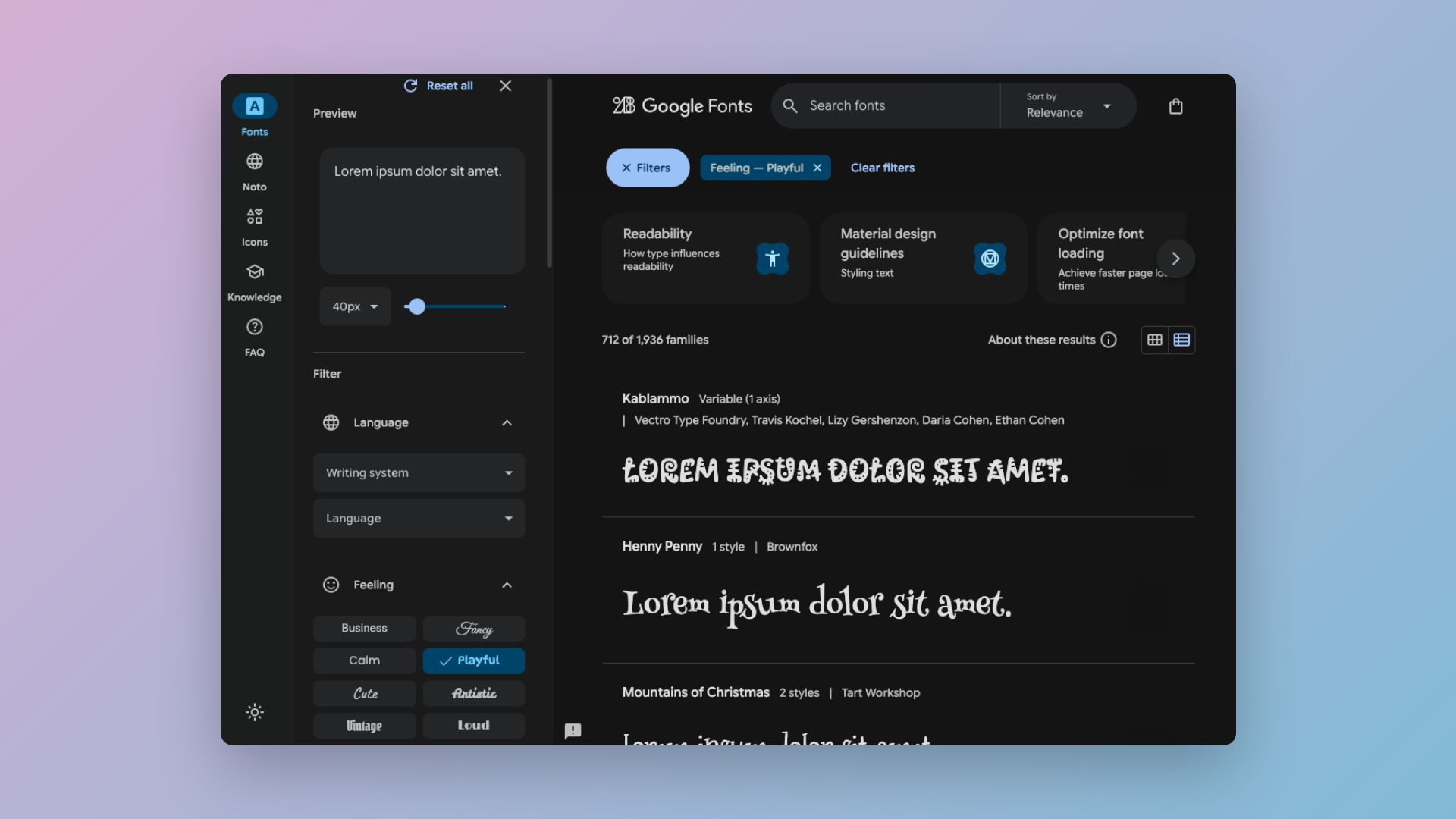
For text-heavy designs — quote prints, typographic posters, niche community products — Google Fonts covers a wide range of styles that are genuinely print-safe and free for commercial use. The limitation is that the same fonts are freely available to every designer, so differentiation requires considered pairing choices and custom layout rather than the typeface alone.
Stage 3: Design and composition
This is where your assets become a design. The right tool depends on your skill level, the product category, and how much control you need over the output.
Adobe Illustrator
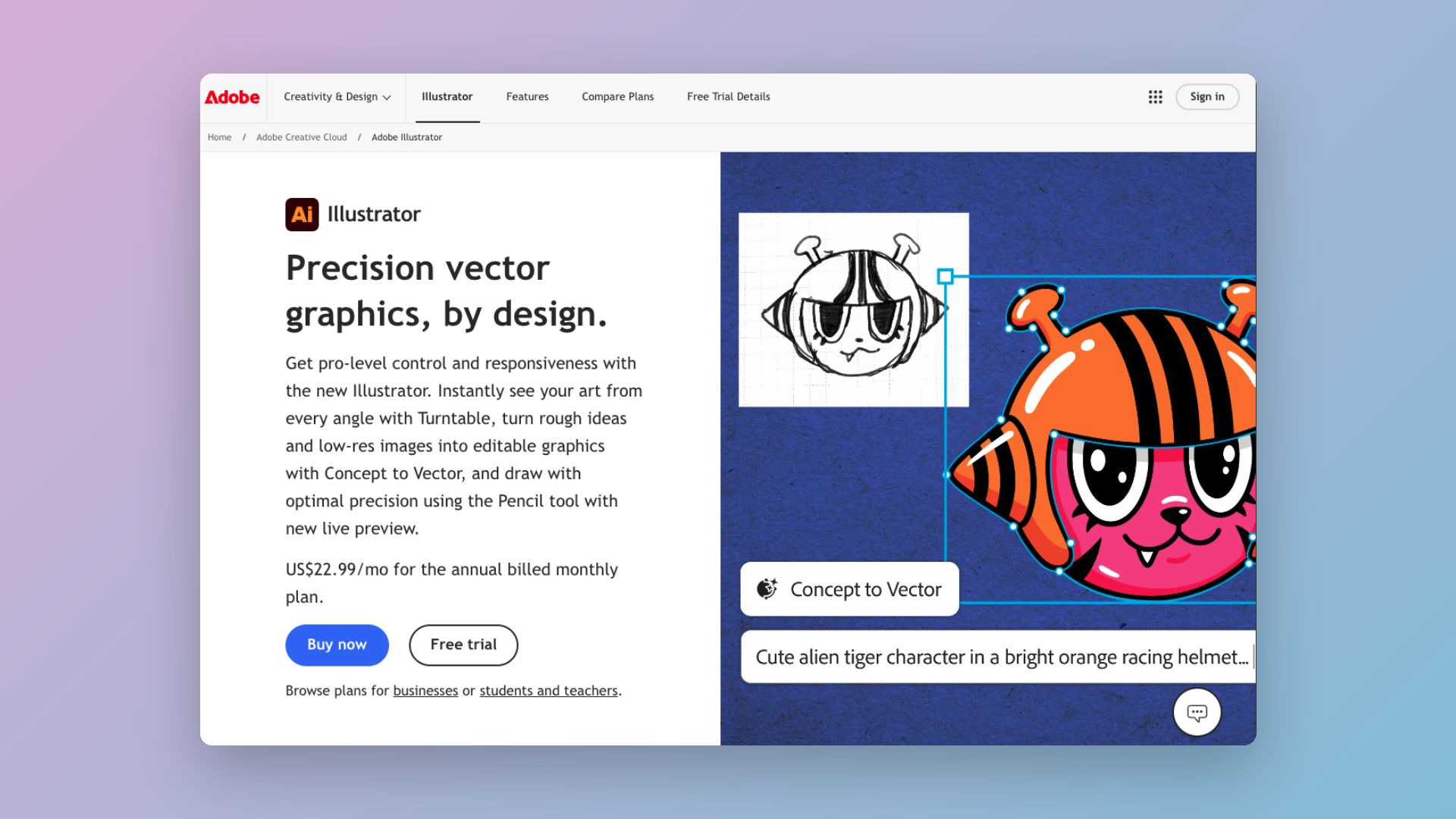
The industry standard for vector-based design work, which makes Adobe Illustrator the strongest option for apparel graphics, logo-style designs, and anything that needs to scale cleanly across product sizes. The learning curve is real — plan for several weeks of deliberate practice before you're producing good work efficiently. For sellers building a serious catalogue over time, Illustrator's output quality and flexibility are difficult to match.
Best for: apparel graphics, text-based designs, anything requiring scalable vectors.
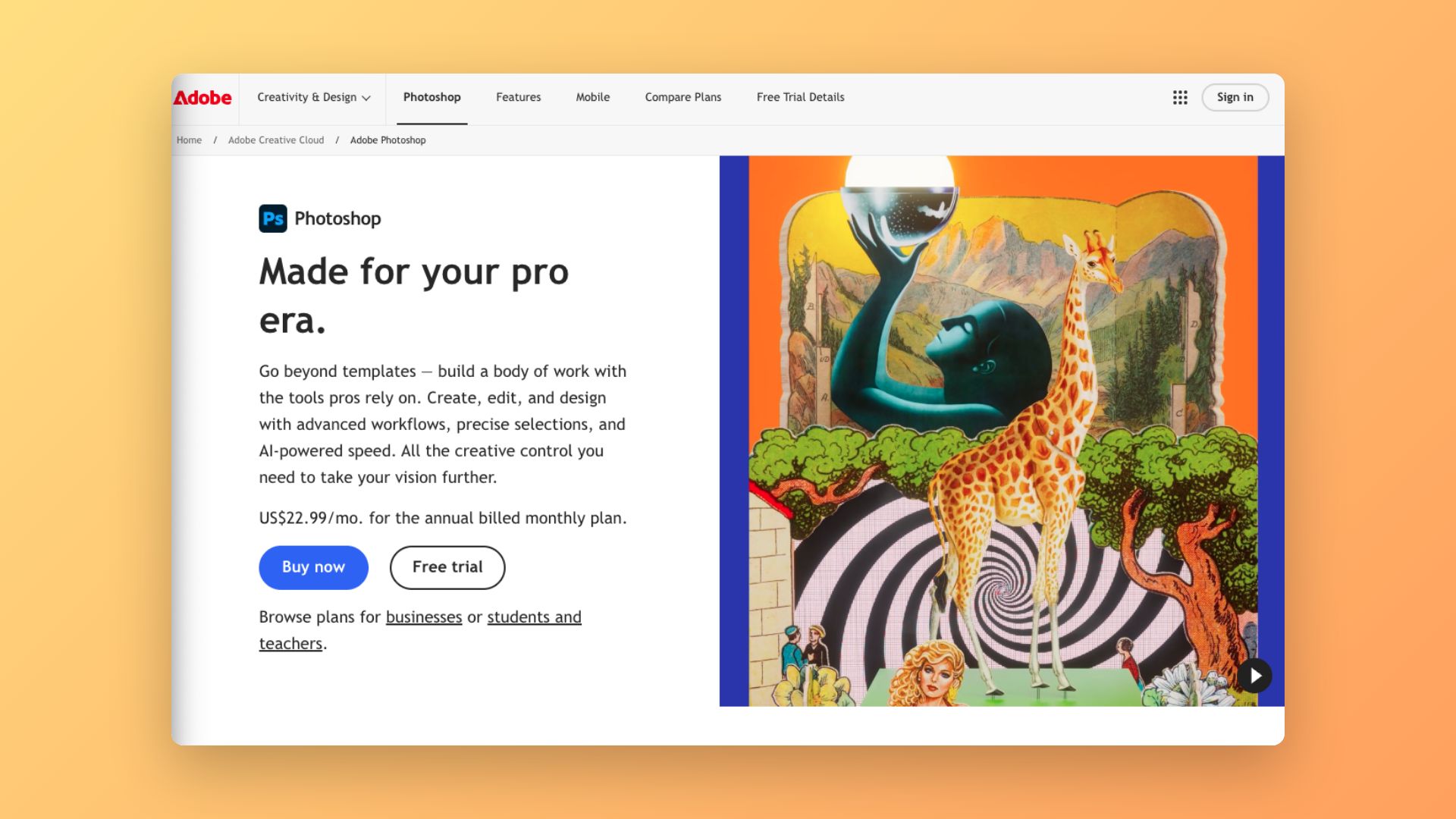
Adobe Photoshop
The more common starting point for sellers coming from a photo or digital art background. Adobe Photoshop is better suited to raster-based work — layered compositions, photographic treatments, textured effects. Less ideal for designs that need to scale to multiple print sizes without quality loss, unless you're working at very high resolution from the start.
Best for: textured or painterly designs, photo manipulation, complex layered compositions.
Canva Pro
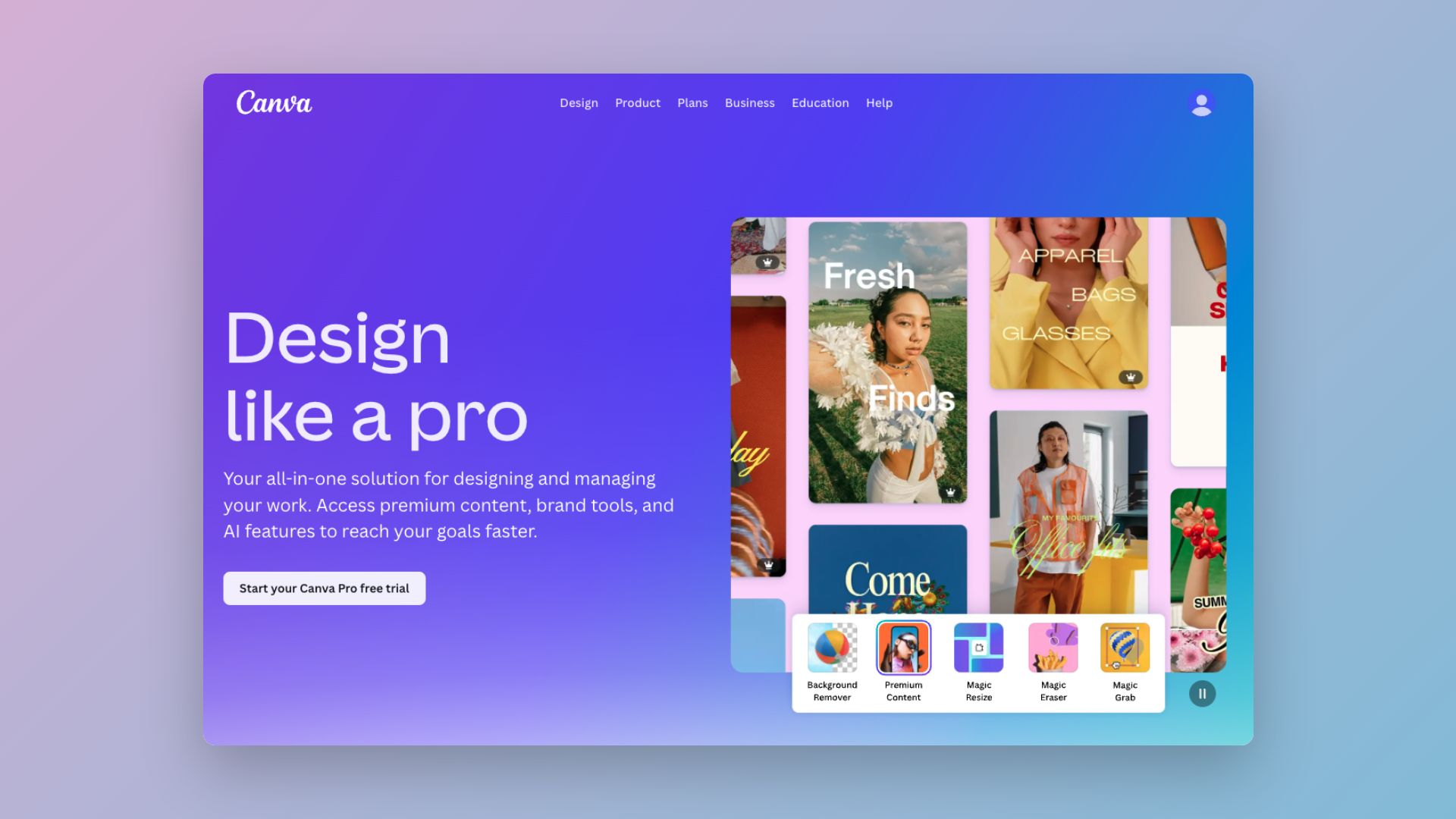
The fastest entry point for sellers who want to launch without a steep learning curve. Canva Pro's print templates, drag-and-drop interface, and built-in asset library make it genuinely usable for a range of POD products — particularly text-based designs, quote prints, and simple graphic layouts.
The trade-off is control. Canva's output options are more limited than professional design software, and you'll hit the ceiling quickly for apparel that requires precise vector work or complex masking. Pay attention to licensing: not all built-in assets are cleared for POD commercial use, so verify before you sell.
Best for: beginners, quote and typography prints, simple graphic products, quick turnarounds.
Affinity Designer
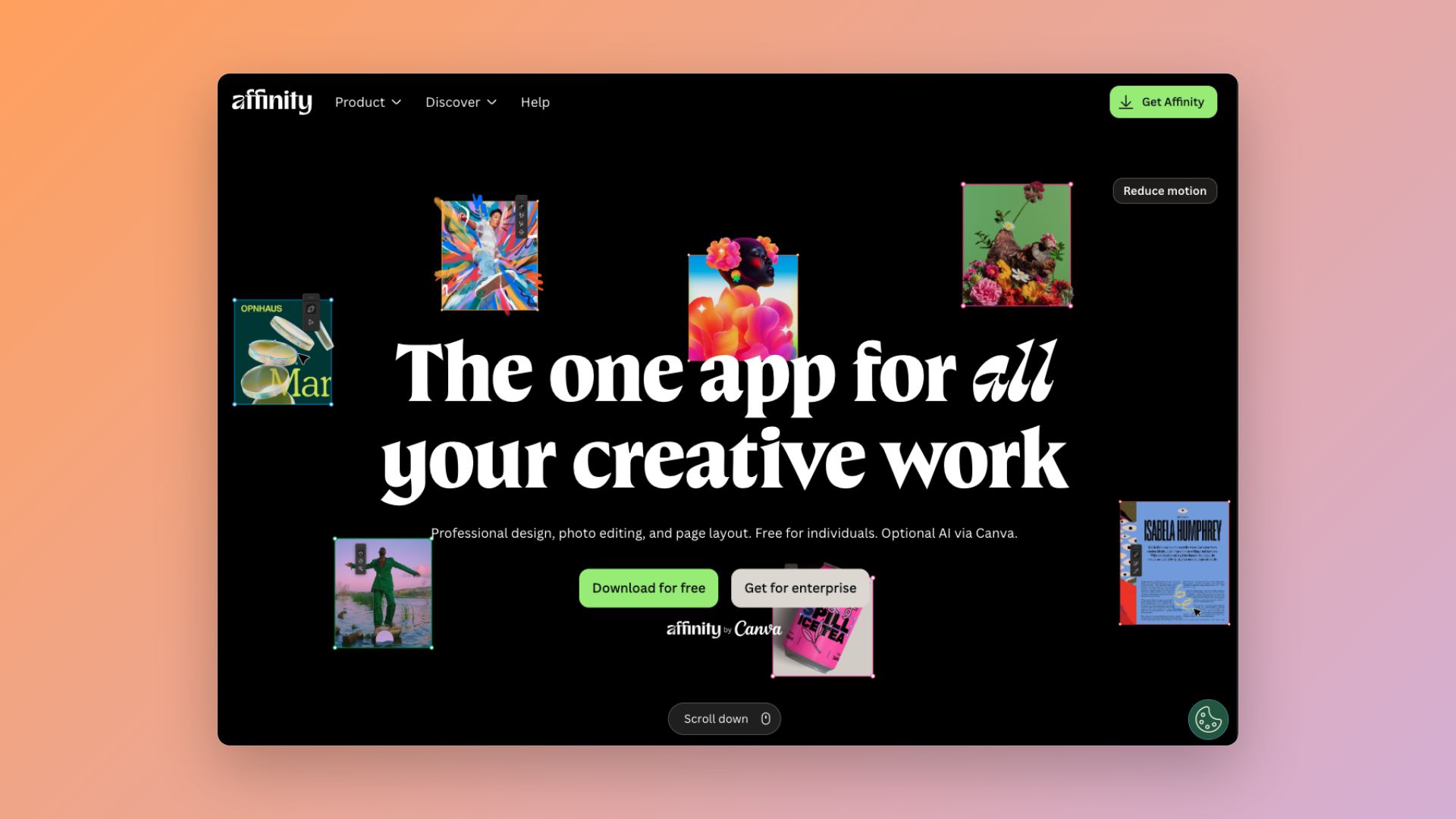
A capable, one-time-purchase alternative to Illustrator that covers vector design with a less steep learning curve and no subscription fee. File format compatibility with Adobe products is solid enough for most POD workflows. Worth considering for sellers who want professional-grade output without the Adobe subscription cost.
Best for: vector design on a budget, sellers transitioning from Canva who want more control.
Procreate (iPad)
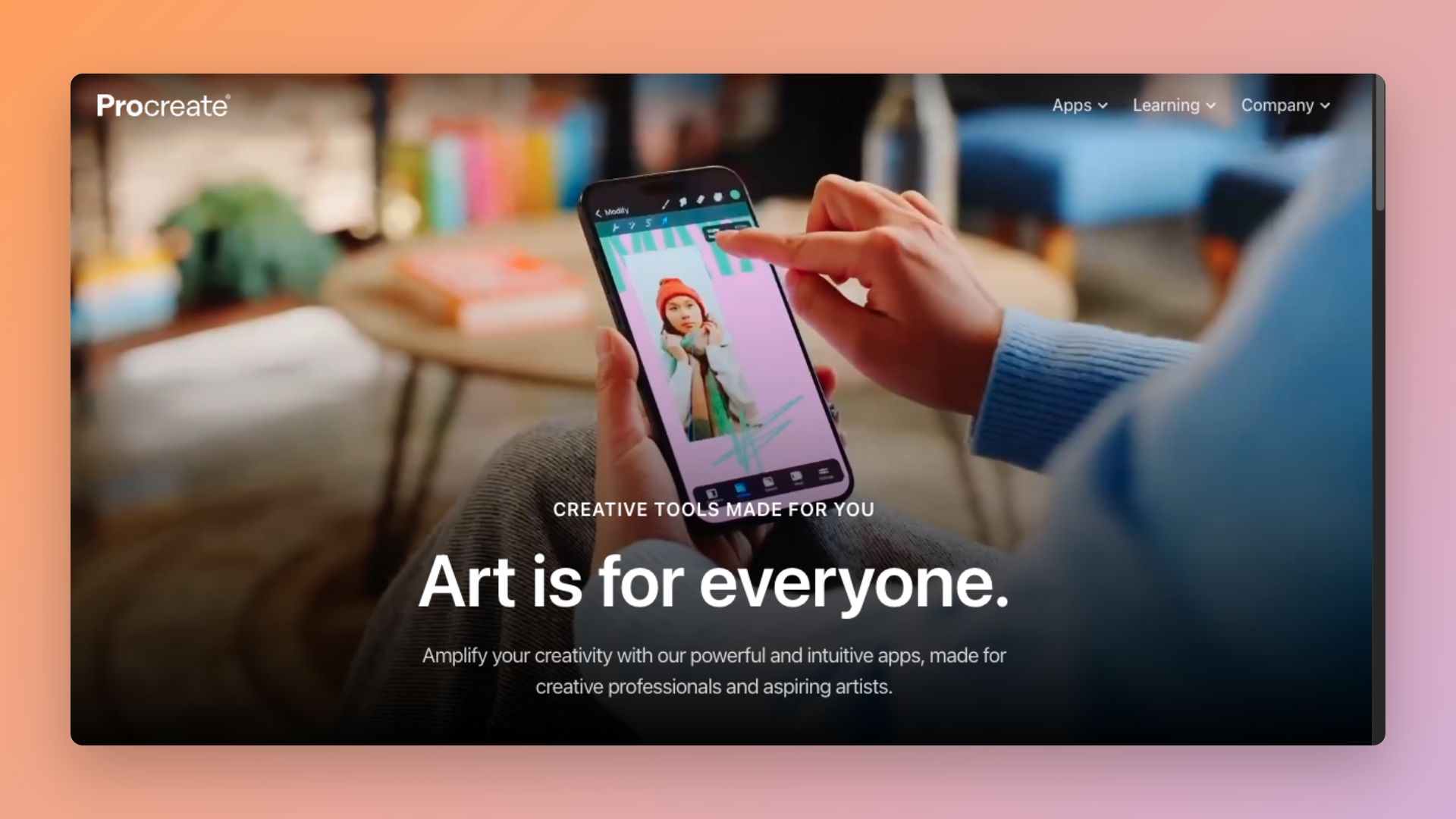
Procreate is increasingly popular among POD sellers who specialise in hand-drawn or illustrated aesthetics — animals, botanicals, character-based designs, painterly patterns. The natural brush feel makes it the best tool for work that needs to look genuinely handmade. Designs typically need to be exported at high resolution and finished in vector software or a print-prep tool before uploading.
Best for: illustrated designs, character art, pattern work with an organic or hand-drawn quality.
Stage 4: File prep and export
Designing something that looks good on screen and producing a file that prints correctly are two different skills. This is where a lot of sellers lose quality.
Adobe Illustrator and Photoshop export settings
If you're designing in Adobe software, use the built-in export controls to manage resolution, colour profile, and file format. For Photoshop: flatten to 300 DPI minimum, convert to the required colour profile, and export as PNG with transparency intact. For Illustrator: use 'Export for Screens' for PNG, or save as PDF for platforms that accept vector files.
Gelato's design specifications
Gelato's product catalogue includes specific print area dimensions and bleed requirements for each product. Use these as your design canvas dimensions from the start — building at the wrong size and resizing later introduces quality loss that's hard to spot on screen but shows up clearly in print. The simplest rule: set your artboard at Gelato's specified dimensions before you start designing, not after.
Envato's AI-powered tools
Envato has been building AI generation capabilities into its platform — tools for generating graphic elements, extending backgrounds, and creating pattern variations, all built with commercial licensing in mind. For POD sellers, these are most useful for quickly generating design variations (different colourways, pattern repeats, background fills) without starting from scratch.
A realistic toolkit by seller stage
If you're just starting out
Canva Pro for design.
Envato for fonts and graphic assets (or Google Fonts if budget is tight).
Gelato's product specs as your file size reference from day one.
If you're growing your catalogue
Adobe Illustrator or Affinity Designer for vector work.
Envato for templates, textures, and illustrations.
Photoshop for raster-heavy compositions.
Scaling a serious store
Full Adobe Creative Cloud for professional output across apparel, home décor, and accessories.
Envato subscription for ongoing asset sourcing across styles.
Procreate if illustrated or hand-drawn aesthetics are part of your brand.
A note on AI design tools
AI image generation has become part of many POD sellers' workflows in 2026, and it's worth being direct about where it fits. AI tools are genuinely useful for rapid concept exploration — generating a rough visual direction to react to, creating background textures and pattern fills, or producing reference imagery to guide a more refined design. They're less useful as a direct path to production-ready files because AI image output is typically raster-based, lower-resolution than print requires, and not legally cleared for commercial use on every platform.
If you're using AI-generated content as part of your process, verify the tool's licensing terms and confirm the output meets your platform's technical requirements. Envato's AI tools are built with licensing clarity for commercial use — which is not the case for all AI generation platforms.
The bottom line
Print-on-demand is a volume business. The sellers who build sustainable income are generally those who can produce good designs quickly, maintain quality consistently, and refresh their catalogue often enough to stay visible.
That comes down to having the right tools at each stage and being honest about where you are in your skill development. Starting with Canva and growing into Adobe software is a completely valid path. What matters is that your tools are matched to your current needs and that your files are production-ready before they hit the platform.
The design layer is where you have the most control over your product's quality and differentiation. It's worth investing in.
Start selling with Gelato
Connect your store to Gelato's global print network — no minimum order, worldwide fulfilment, and product specs that make file prep straightforward from day one.